Last time I told you about the day I showed up to a birthday party as the cake plates were being cleared, and how an AI agent took that whole category of screw-up off my plate. A lot of you replied with the same question. Okay, but how do I actually get one?
Fair. So that's this post. No fluff. I've set up two different AI agents now, and they sit at opposite ends of the "how technical do I need to be" scale. I'll walk you through both, including the parts that annoyed me.
Short version before we start. If you're not technical, skip to Grokbot. If you like tinkering, or you've got a techy friend, Hermes is worth it. Both land in the same place: an agent living in your Telegram that you just talk to.
First, what does "setting it up" even mean?
Don't overthink this. Every one of these agents is really three pieces.
The brain (the AI that thinks), the doorway (Telegram, where you talk to it), and the connections (your calendar, your email, whatever you want it to help with). "Setting it up" means plugging those three into each other once. After that you never think about it again. You just message it like a person.
You're not building software. You're introducing a few apps to each other.
Option 1: Hermes - More powerful plus a bit technical
Hermes is the one I started with, and it's still what I use every day for the school stuff. It's powerful and flexible. But I'll be straight with you. I did not set this up on my own. A friend of mine is the technical one, and he sat with me for about half an hour to get it connected the first time.
That's not a knock on it. Once it was running, it worked, and it hasn't given me trouble since. But if the words "server" or "API key" make your stomach drop, this isn't your starting point, not unless you've got your own version of my friend on hand. There's no shame in that. Mine dropped too.
Roughly, the flow looked like this.
Get Hermes running (the part my friend handled)
Connect it to Telegram so I could message it
Connect my calendar so it could add and read events
Tell it, in plain English, what to keep an eye on
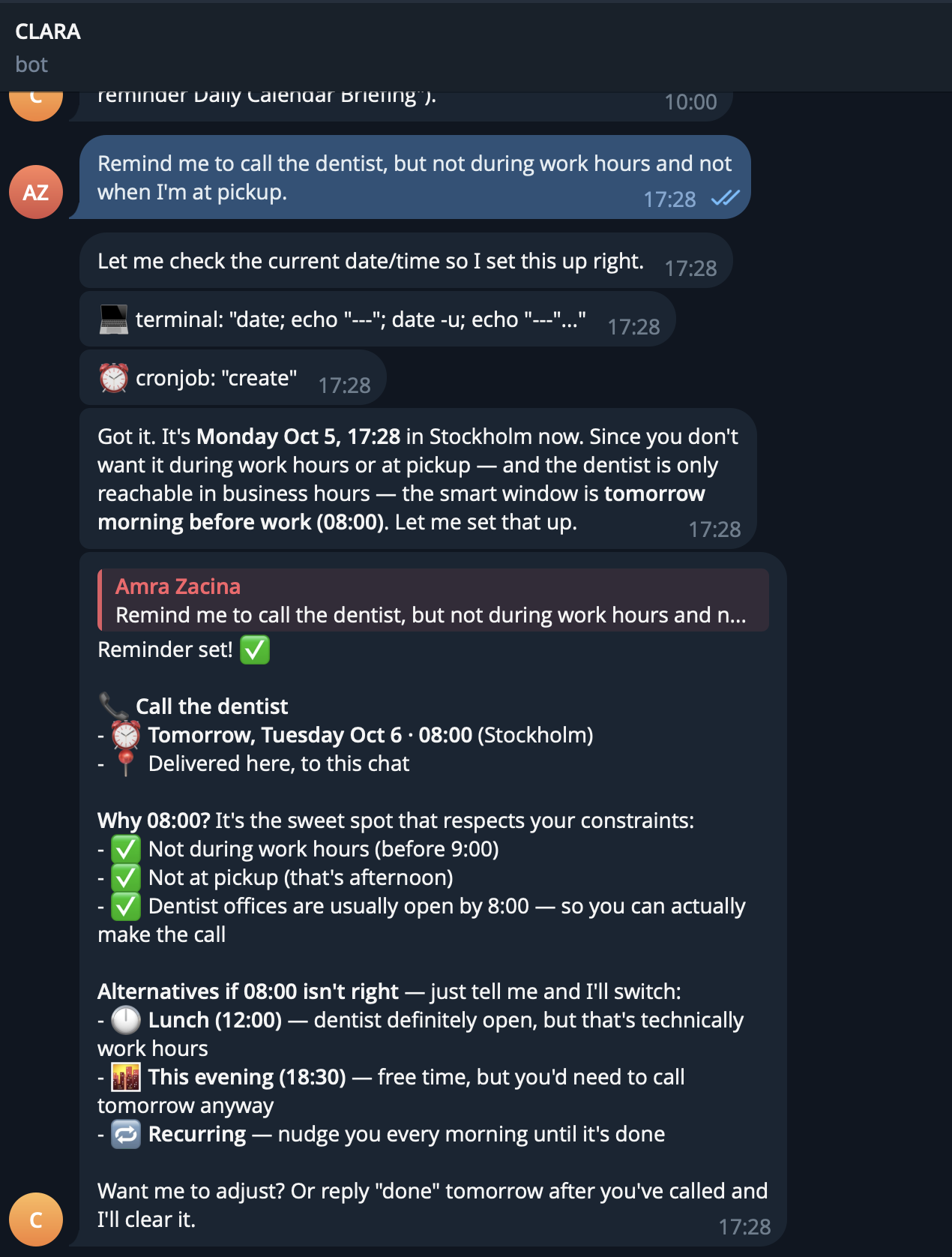
If you like having full control and don't mind a little setup friction (or you've got someone to help), Hermes pays off. If not, keep reading.
Option 2: Grokbot - Easiest - no tech needed
After Hermes I tried Grokbot out of curiosity, and this is the one I'd hand to my mum. If you're not technical, start here. You can be running in minutes. No code, no friend required.
It's Elon Musk's own bot builder, so most of the fiddly connecting is already done for you. You create your agent, connect the apps you use through simple plugins, and then talk to it in plain language. That's the whole thing.
Start to finish.
Get access through your Grok / xAI account on web or your phone and open the bot builder
Create your agent and give it a name ( use human names! )
Add your calendar the same way, through a plugin, and approve the connection
Message it via the Grok app like you'd text a friend: "add all these dates to my calendar"
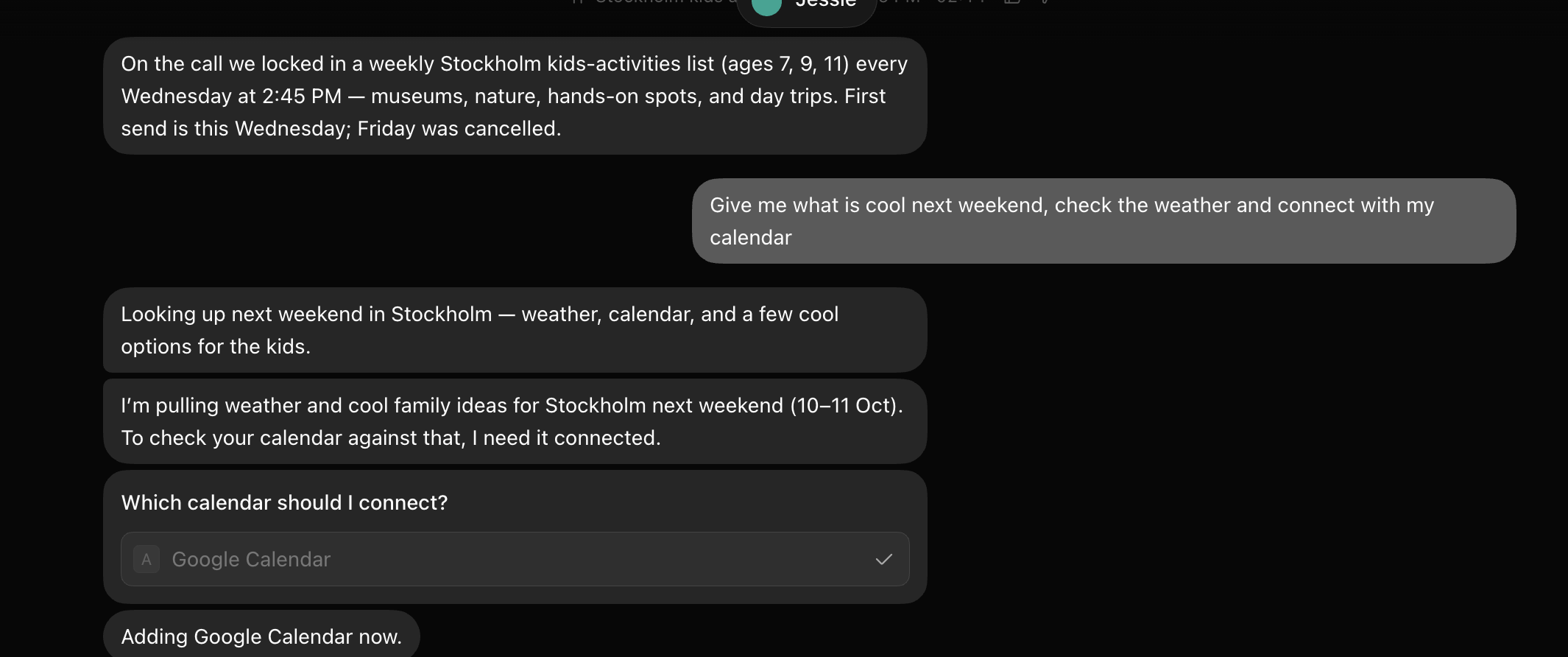
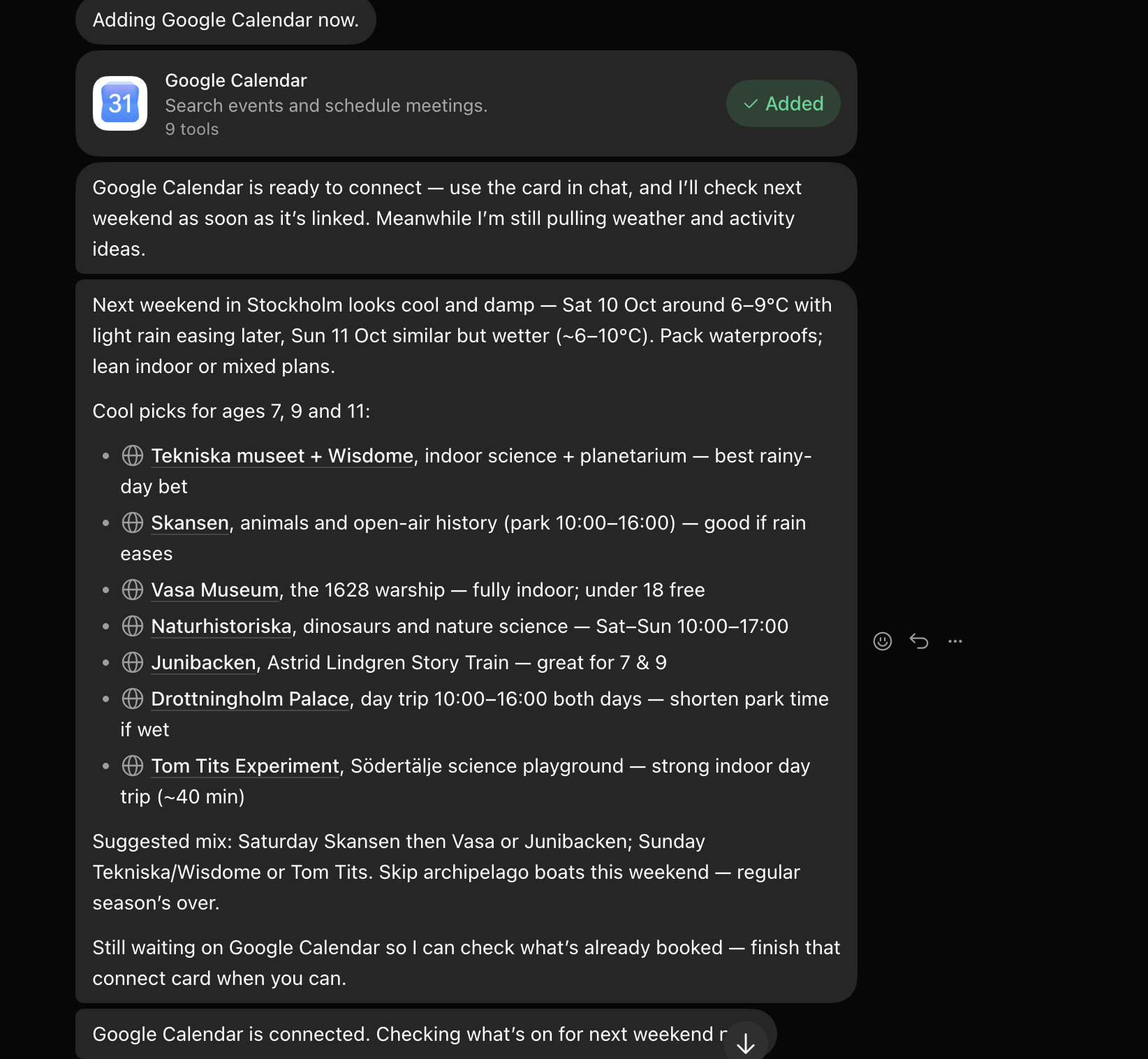
Connecting your calendar (the part that matters most)
Whichever one you pick, set this up first. It's the connection that changes your day-to-day right away. In plain terms, you give your agent permission to see and add things to your calendar. You approve it once, and after that you just say stuff like:
"Add football practice every Tuesday at 5."
"What does my week look like?"
"Move my dentist appointment to Thursday."
No menus, no forms. You talk, it does. That's the whole trick, and it really is that simple once the connection's made.
So which one should you pick?
Want the easiest possible start and you're not technical? Grokbot. Minutes, no help needed. Want more power and you've got some patience (or a techy friend)? Hermes. Both get you to the same place, that hands-off feeling I wrote about last time.
And here's where I'm going with all this. Even Grokbot, easy as it is, still makes you click around and connect a few things. I don't think it should. I think you should be able to have an agent working for you without touching the setup at all. No plugins, no authenticating, none of it. And without needing a friend who knows what an API key is.
That's what I'm building. More on that soon. For now, pick one, connect your calendar, and go forget a birthday on purpose, because your agent's got it.
With grit and gratitude, The Gritter

